
General Settings – Sitegenix.io
Overview
The General Settings section allows super admins to manage the core configurations of their website. This includes visual branding, performance settings, maintenance preferences, email configurations, and legal compliance features.
Below are the options available under General Settings, along with a short description for each:
1. Page Settings
Allows the admin to define which pages appear in specific sections of the website (e.g., homepage, blog page, contact page, etc.).
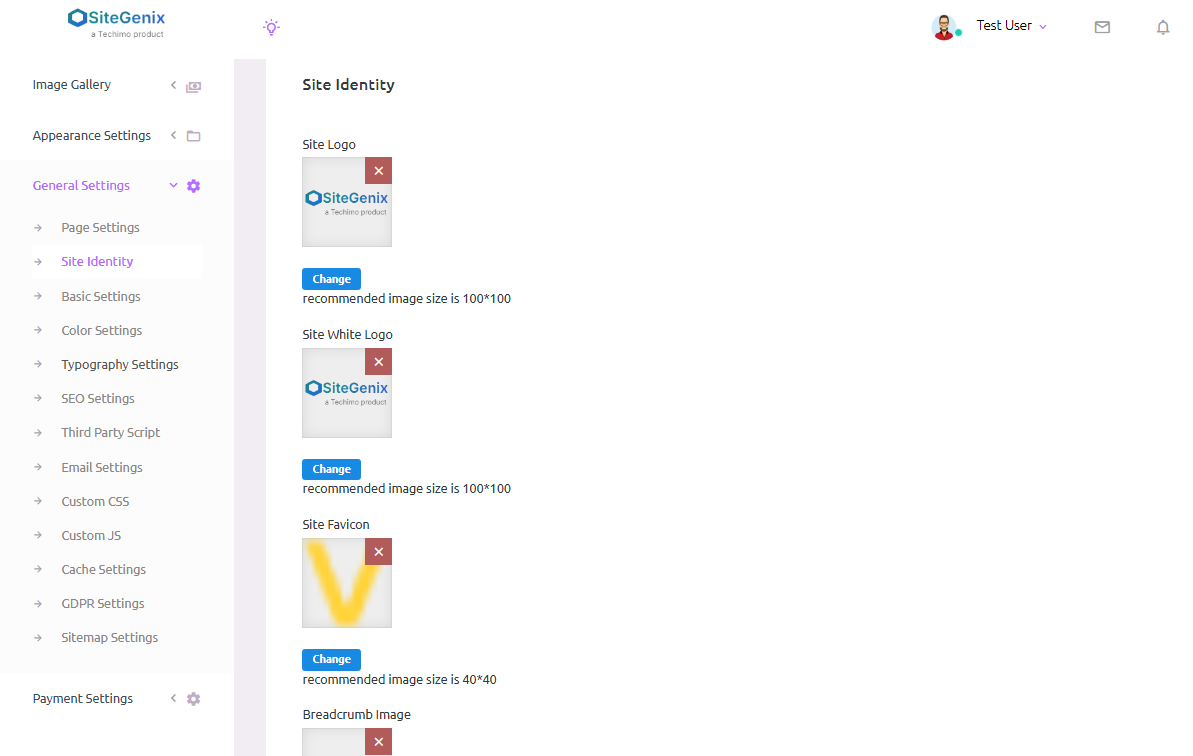
2. Site Identity
Admins can upload and manage the site logo, favicon, and breadcrumb logo to reflect the brand identity across the website.
3. Basic Settings
This section allows configuring essential site-wide information and functionality:
Site Title & Tagline – Define the main title and subtitle of your website.
Footer Copyright Text – Customize the copyright notice shown in the footer.
Enable/Disable Dark Mode for Admin Panel – Switch the admin interface between dark and light themes.
Enable/Disable Maintenance Mode – Temporarily disable the website for public access while under maintenance.
Enable/Disable Site SSL Redirection – Automatically redirect users to the HTTPS version of your site for better security.
Enable/Disable User Email Verification – Choose whether new user registrations require email verification.
Enable/Disable Sorting of Table List Data – Enable sorting functionality in admin data tables for easier navigation and data management.
4. SMTP Settings
Admins can configure outgoing email settings using SMTP. Also includes a test option to verify that emails are being sent correctly.
5. Cache Settings
Allows the admin to clear different types of cache (e.g., browser, server-side, database) to ensure the latest changes reflect instantly across the site.
6. GDPR Compliance Settings
Admins can configure cookie consent and other GDPR-related features to ensure the site complies with data protection regulations.
7. Sitemap Settings
Here, admins can generate and manage the website sitemap, which helps with search engine indexing and improving SEO visibility.
📝 Conclusion:
The General Settings panel in Sitegenix.io offers a centralized hub for managing essential aspects of the website. From branding and behavior to performance and compliance, this section empowers super admins to ensure their site operates smoothly and meets organizational requirements.