
Newsletter Management
The Newsletter management module in Sitegenix.io allows Super Admins or Users to manage newsletter subscriptions, create new subscribers, and send email campaigns directly to all subscribers. This is a powerful marketing and engagement tool that helps keep your users informed about updates, promotions, and new content.
1 Accessing Newsletter Management
- Login to the Super Admin Dashboard.
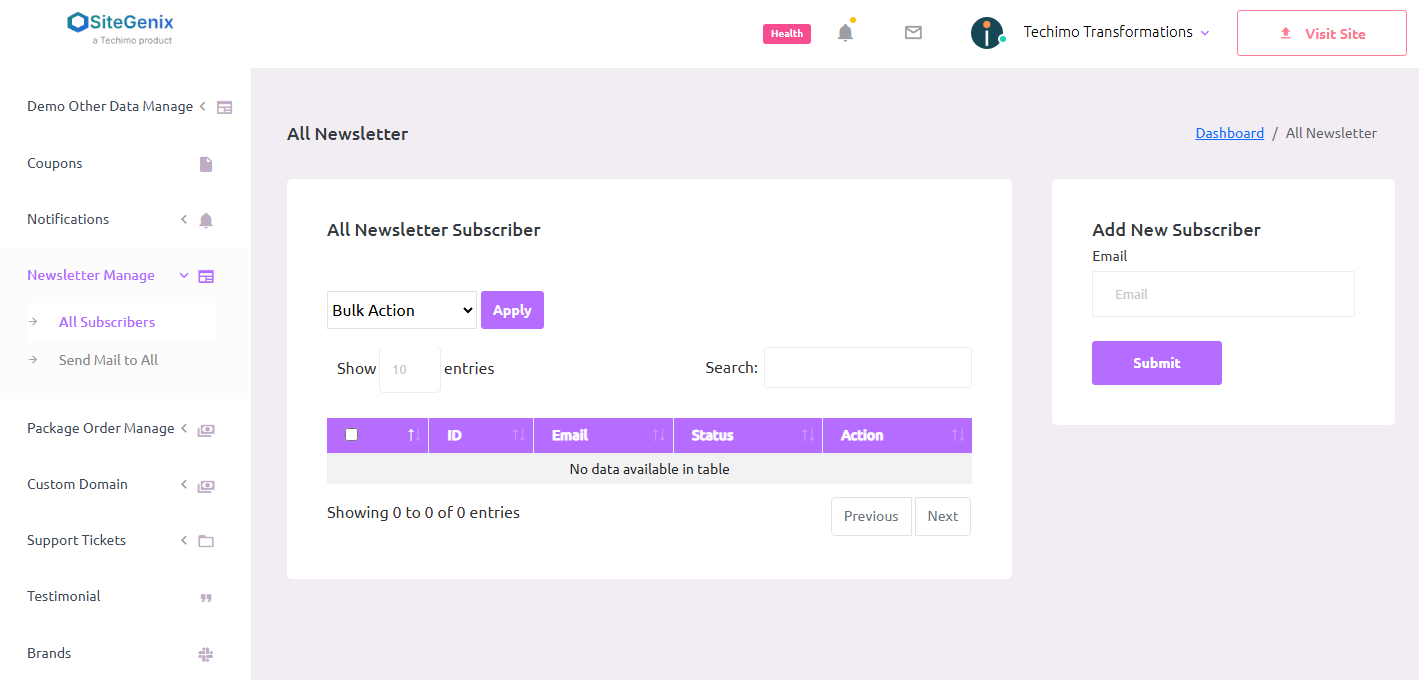
- In the left-hand sidebar, click on "Newsletter Manage".
- This section provides a complete overview of all your newsletter subscribers and allows you to manage your email communications effectively.
Viewing Subscribers
Once inside the Newsletter Manage section, you will see a list of all existing subscribers including:
- Email addresses
- Subscription date
- Status (active/inactive)
This overview helps admins monitor who is receiving newsletters and manage the subscription list.
Sending Emails to Subscribers
To send an email to your subscribers:
- Click on the "Send Mail" button or icon.
- Enter the subject and content of your newsletter or announcement.
- Choose whether to send the email to all subscribers or a selected group.
- Click Send to instantly dispatch the email to the chosen recipients.
✉️ This is ideal for promotional offers, blog updates, product launches, or important announcements.
Creating a New Subscriber Manually
To manually add a subscriber:
- Click on "Add New Subscriber".
- Fill in the subscriber's email address and other optional fields.
- Click Save to add the subscriber to the list.
✅ This is useful if you collect subscriber emails offline or through other channels.
Managing Subscribers
You can perform the following actions on individual subscribers:
- Edit Subscriber Info (e.g., email, name)
- Delete Subscriber if they unsubscribe or are no longer active
- Change Subscription Status
Maintaining a clean and updated list ensures higher email deliverability and engagement rates.
Frontend Integration
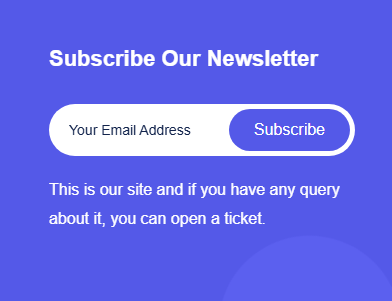
Sitegenix themes and page builder widgets typically include a Newsletter Subscription Form that users can fill to subscribe. These are automatically added to the newsletter list under this module.
Key Benefits
- Centralized control over newsletter subscribers.
- Quick email dispatch to promote content or updates.
- Build and maintain a loyal user base.
- Easy to integrate with frontend pages using subscription forms.
- Supports custom email campaigns.
Conclusion
The Newsletter Management system in Sitegenix.io makes it easy for Super Admins and Users to engage with their audience and build long-term communication. Whether it's for announcements, product promotions, or blog updates, this module ensures your messages reach your audience directly and effectively.